
These easy tips and free printable Christmas planners pages will help you make your Christmas calm, organised and enjoyable.
Use the free printable Christmas To Do List, Christmas Card Planner, Christmas Gift Planner and Christmas Shopping list pages to help you get organised and beat the Christmas overwhelm this year.
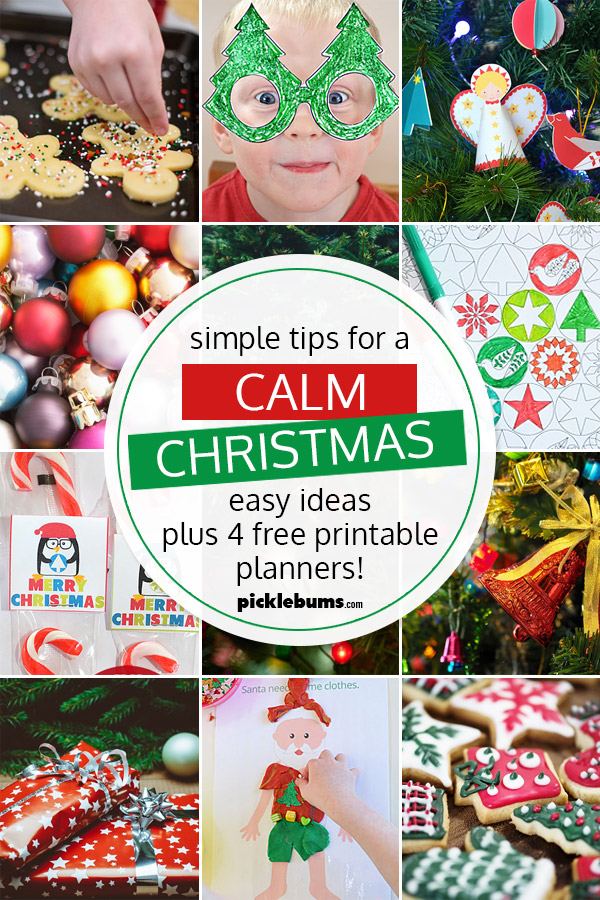
Every year I promise myself that I will get organised for Christmas nice and early, and have a Christmas that is calm, not crazy. I don’t always succeed with the early part, but I do have lots of ideas and tips for a calm Christmas, and some great free printable Christmas planner pages to help us all get organised.
I know how fast the weeks fly by at this time of the year and I know that Christmas has a habit of creeping up on me and stressing me out if I am not careful. It doesn’t help that our family also has to fit in twin birthdays, dance concerts, piano concerts, and all the end of the school year stuff in the 6 weeks before Christmas, so this time of year often feels extra crazy!
But I really don’t want a crazy Christmas. I want a calm Christmas. So over the years I’ve made that a priority and worked hard to find ways to make Christmas magical without being stressful and overwhelming.
Apart from getting organised early (which I always plan to do but don’t often succeed at), one of the best ways I know to have a calm Christmas is keep things simple!
Over the years I have worked on letting go of some of my more crazy, over the top ideas, making sure we don’t take on too much, and remembering that everyone will enjoy the holidays so much more if we are stress free.
Simple Tips for a Calm Christmas.
Of course the earlier you start organising and shopping the better, but don’t give up if you didn’t start your Christmas shopping back in June (I always plan to but never do!), we can still get on top of things with some good planning.
- First things first – keep up with all your other systems and planning.
You’ll be thankful for that menu plan and weekly to do list when things get crazy with all the extra Christmas stuff.
- Plan ahead.
Sit down with the calendar and mark down events, activities and expectations. You’ll be able to see any clashes or extra busy times and plan for them.
- Make a list of gift ideas and keep it with you!
A simple way to do that is to use our free printable gift planner (scroll down to download) and take a photo of it with your phone, that way you’ll know what you have and haven’t bought and can grab that bargain for Aunty Ethel when you see it knowing you haven’t doubled up. Or you could use this nifty interactive Christmas wish list and do it all digitally.
- Follow a Gift Giving Rule for Family.
A great way to avoid overwhelm is to follow the gift giving rule of ‘something they want, something they need, something to wear, something to read’. This is great for kids of all ages, and these free printable, 4 Gift Rule Christmas Gift Tags make it really simple to do.
- Order online!
I used to be hesitant about online shopping, but it is so easy, I can shop in my PJS at 3am, and I avoid the craziness of shopping at Christmas (and the insanity of finding a car park). Looking for e-stores where you can buy everything in one place with one delivery fee will save you time and money. One of my favourite Aussie online site for kids Christmas gifts is Entropy, I’ve also used Etsy, ebay and Amazon when looking for a bargain. You can also check out our list of gift ideas for preschoolers righter through to teens here.
- Don’t scrimp on the sticky tape, but don’t go overboard with wrapping!
Cheap sticky tape will drive you nuts when you are wrapping presents, it’s worth it to buy some decent tape and a tape dispenser, but you don’t need to go over the top with wrapping. Some fun wrapping paper and some curly ribbon will be appreciated as much as fancy wrapping that takes you hours, and don’t even bother with ribbon if you are wrapping for kids! One year we wrapped everything in brown paper and drew funny pictures on them with sharpies, or try this easy and fun way to make wrapping paper with your kids.
- Simplify the Christmas card thing.
Do you even need to send Christmas cards? You could send a fabulously funny family email instead, print a family info-graphic or newsletter at home to send instead of cards with individual messages, or get the kids to draw/make the Christmas cards/. You could even make a donation to a charity instead of spending the money on cards and just tell everyone on facebook! If cards are you thing, then take some time to really scrutinize your list – if the Jones haven’t sent you a card in the last few years you are not obliged to send to them. Find our free printable Christmas card planner below to make keeping track even easier.
- Don’t go overboard on the food.
The holidays is not the time to be stuck in the kitchen while everyone else enjoys themselves – plan a menu you can make ahead, use pre-prepared items, ask people to pitch in and bring food, and keep it simple with items you know are easy and delicious so you can enjoy the day too.
- Keep the kids busy and happy.
Bored, whiny kids will do your head in when you are already stressed and busy, so take some time to plan some easy, independent activities for the kids to do. Put on a Christmas movies, or set them up with some Christmas play dough mats, or writing a letter to Santa, or try one of these Christmas boredom buster ideas for kids.
- Schedule some downtime.
You can’t do everything, so decide which traditions are really important to you, and ditch the rest along with the guilt. And make sure you mark on the calendar time to simply relax with the family, and time to yourself – even if it is only a soak in the bath!.

Free Printable Christmas Planner Pages.
There are loads of fabulous free printable Christmas planners on the web, but I’m keeping it simple and just sharing four… A Christmas card planner, a Christmas gift planner, and Christmas shopping list, and a to do list.
All these printables are A4 sized pdf files, you will need a pdf reader such as adobe acrobat to open them. They will fit to print on US ‘letter sized’ paper, just be sure to select ‘fit’ or ‘shrink to fit’ from your printer options to allow for printer margins.
Christmas Card Planner Page
Use these free printable Christmas card planner page to help you keep track of who you want to send cards to and when you’ve sent them.
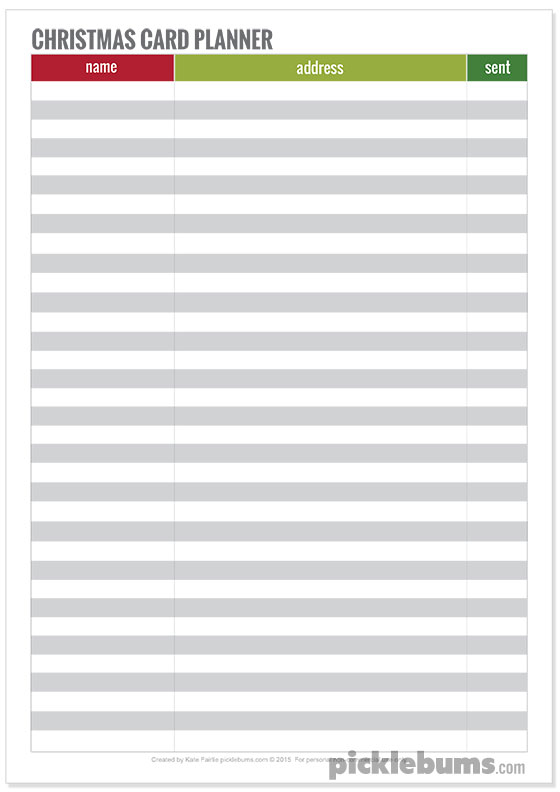
Click here to download the Christmas card planner page.
Please remember that the printables at picklebums.com are for personal use only, you may not sell, share, or link directly to these files.
Christmas Gift Planner Page.
Use these free printable Christmas gift planner page to jot down gift ideas as soon as you think of them. Take a photo of the planner page with your phone so you’ll always have it with you when yo are out shopping and you find the perfect gift!
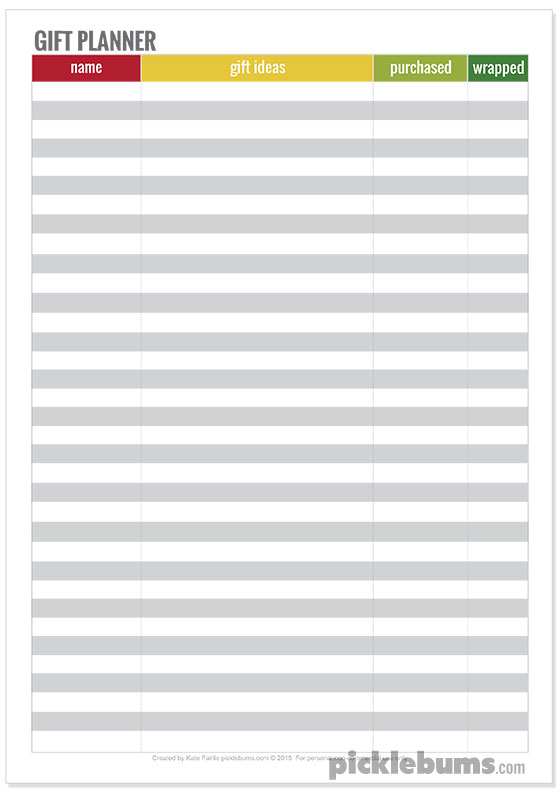
Click here to download the Christmas gift planner page.
Please remember that the printables at picklebums.com are for personal use only, you may not sell, share, or link directly to these files.
Christmas Shopping List
Use this free printable Christmas shopping list to jot down all the extra things you need to buy for Christmas. Tick them off as you buy them so you know what you have and what you still need to get.
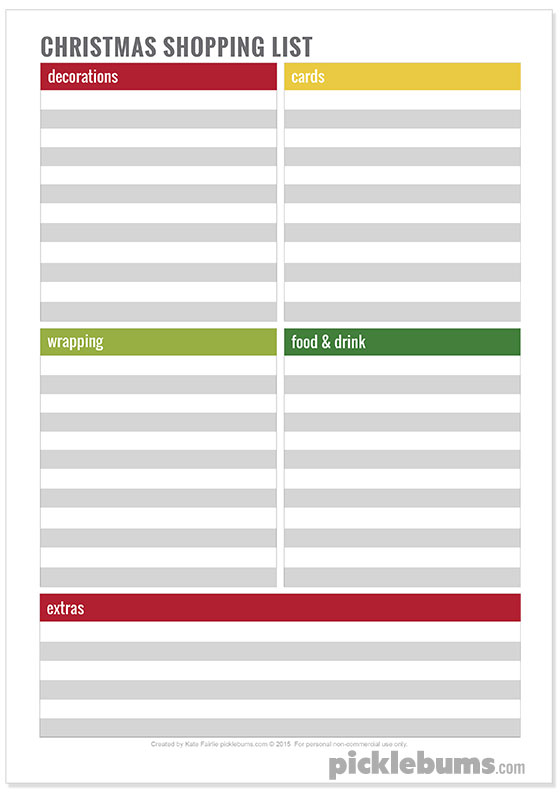
Click here to download the Christmas shopping list page.
Please remember that the printables at picklebums.com are for personal use only, you may not sell, share, or link directly to these files.
Christmas To Do List
Use this free printable Christmas To Do list to keep a list of all the things you need to do, and check off all the things you’ve done. Just getting all the things out of your head and onto this Christmas to do list will help you feel a lot less overwhelmed!
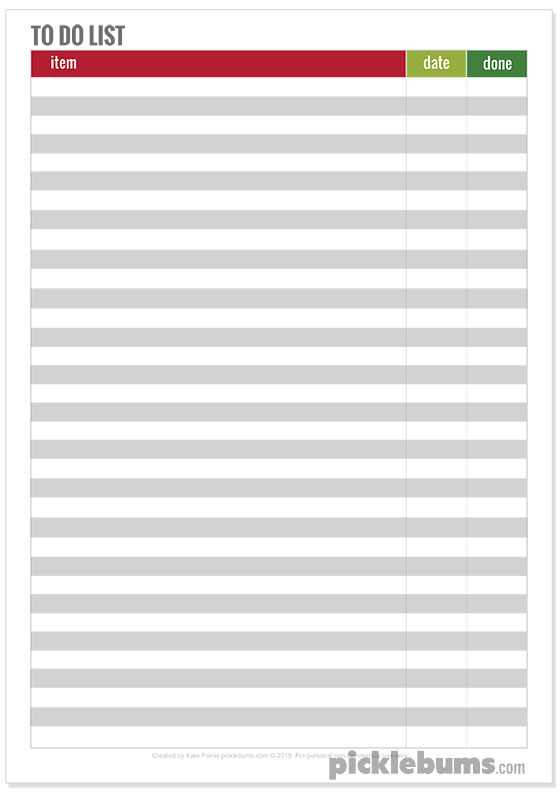
Click here to download the Christmas To Do list.
Please remember that the printables at picklebums.com are for personal use only, you may not sell, share, or link directly to these files.
How do you keep Christmas calm and simple?
I’d love to hear all your tips and tricks for an easy, not so crazy Christmas. Leave a comment below with your best ideas, or feel free to share a link to a tip, trick, printable or idea that you love.
If you are looking for more simple cleaning and organising ideas you can check out the Keep It Simple series where we share our best simple tips for everything from laundry, cleaning, meals, kids and parenting.
And you can find loads more free Christmas printables including wrapping paper, gift boxes, gift tags, and fun activities for kids here.
Leave a Comment